Cal.com vs Calendly 2026: Which Should Coaches Pick?

Cal.com vs Calendly comes down to one question for a coach: do you want the most you can get for free, or the most polished paid plan? Cal.com's free plan gives one person unlimited event types, unlimited calendars and Stripe or PayPal payments, while Calendly's free plan stops at one event type and one calendar. Calendly fights back on paid plans: Standard costs $10 per seat per month billed yearly ($12 billed monthly) and includes 250 SMS credits per seat each month (texts to US and Canadian numbers use none of them), where Cal.com's free plan comes with no SMS credits at all. For a coach with a closer or two, Cal.com's Teams plan is cheaper per seat than Calendly's Teams plan, and both put routing forms and round robin on that team tier.
That is the short answer. This version is written for coaches, course creators and small coaching teams who book discovery calls and sales calls, often from leads that start in Instagram or WhatsApp DMs. Every price and limit below was checked on calendly.com and cal.com on 19 November 2026, and two things changed this year that most "Cal.com vs Calendly" pages still miss: Cal.com is no longer open source, and its European hosting is now reserved for its Organizations plan.
We cover the plans side by side, what three real coaching setups would pay, reminders and no-shows, routing for closers, payments for paid sessions, privacy, and how either calendar connects to the conversations that fill it.
Cal.com vs Calendly at a glance
Direct answer: Cal.com wins for a solo coach on a budget and for teams that want the lowest price per seat; Calendly wins for a coach who wants text reminders and payments included in one simple paid plan.
| Feature | Cal.com | Calendly |
|---|---|---|
| Free plan | 1 user, unlimited event types and calendars | 1 event type, 1 calendar connection |
| First paid plan (yearly / monthly billing) | Teams, $12 / $16 per user | Standard, $10 / $12 per seat |
| Team plan with round robin and routing forms | Teams, $12 / $16 per user | Teams, $16 / $20 per seat |
| Text reminders included | None on Free, 750 credits per member on Teams | 250 SMS credits per seat on paid plans |
| Stripe and PayPal payments | Free plan | From Standard |
| Remove the vendor's branding | From Teams | From Standard |
| Free trial of paid plans | 14 days | 14 days |
| Where your data sits | USA (EU hosting only from Organizations) | USA (Google Cloud and AWS) |
| Open source | No longer, since April 2026 (community fork Cal.diy) | No |
Our wider roundup of the best scheduling apps for coaches compares seven tools, including iClosed and Acuity. This article goes deeper on the two names most coaches end up choosing between.
What changed in 2026 (and what most comparisons still get wrong)
Direct answer: three changes matter. Cal.com went closed source on 15 April 2026, its EU hosting moved up to the Organizations plan on 1 November, and Calendly added Plus tiers with an AI notetaker.
Cal.com is no longer open source. Almost every page that ranks for this comparison still sells Cal.com as "the open-source Calendly". On 15 April 2026 Cal.com published "Moving to closed-source: the technical changes" on its own blog. The commercial product is now built in a private repository. The community code lives on as Cal.diy, a self-hosted project whose license changed from AGPL 3.0 to MIT, maintained by former Cal.com interns. Cal.diy is a different product: Cal.com's post lists what was removed from it, including Teams and Organizations, Routing Forms, Workflows, Instant Booking and Insights. So if you were planning to self-host "Cal.com" to save money, the free version you can run on your own server today has no workflows and no routing. For a coach, that rules it out as a booking tool for a sales team.
Cal.com's EU hosting is now for paid organizations. Cal.com's Europe page says that from 1 November, Cal.eu is reserved for paying customers on Organizations and above. Past Individual accounts move to Cal.com, hosted in the USA, and past Teams accounts on Cal.eu get a free upgrade to Organizations and stay in Europe. For a solo coach, both tools now store booking data in the United States.
Calendly added Plus tiers. Calendly's pricing page now shows Standard Plus and Teams Plus, which add Notetaker (recordings, transcripts and meeting recaps on Zoom, Google Meet and Microsoft Teams) and Callie, an AI assistant that schedules over email, still in beta. Both are only available in English for now. They are useful for consultants who live in email threads; most coaches booking from DMs can skip them.
Free plans: Cal.com Free vs Calendly Free
Direct answer: Cal.com's free plan is the stronger one for coaches, by a wide margin.
Cal.com Free covers one user and includes unlimited links and calendars, email and SMS notifications (SMS needs purchased credits, see below), more than 100 app integrations, Stripe and PayPal payments, a mobile app and browser extension, and a one-click import of your Calendly event types. You can build workflows on the free plan, but email steps use Cal.com's default template text and cannot be edited, while SMS text can be edited.
Calendly Free includes one event type, one calendar connection, one-on-one scheduling and a customizable booking page. Reminders, payments, multiple event types and the removal of Calendly branding all start on Standard. Calendly's pricing page says the free plan has no booking cap, so you can host as many meetings as you like on that single event type.
What this means in practice: a coach who only runs one free 30-minute discovery call can live on either free plan. The moment you add a second event type (a paid session, a check-in call, an onboarding call), Calendly asks you to pay and Cal.com does not. One caveat for coaches who book from DMs: some integrations need a paid Calendly plan. SetSmart's Calendly connection, for example, relies on Calendly webhooks, which require Standard or higher.
Cal.com vs Calendly pricing in 2026
Direct answer: Calendly is $2 a seat cheaper than Cal.com on its entry paid plan, but Cal.com is $4 a seat cheaper on the team plan that coaches with closers actually need.
Both vendors price per person who hosts meetings. Your leads and clients never need an account or a seat on either tool.
| Plan | Billed yearly | Billed monthly | Key additions |
|---|---|---|---|
| Calendly Free | $0 | $0 | 1 event type, 1 calendar |
| Calendly Standard | $10 per seat | $12 per seat | Unlimited event types, 6 calendars, reminders, Stripe and PayPal |
| Calendly Standard Plus | $18 per seat | $24 per seat | Standard plus Notetaker and Callie |
| Calendly Teams | $16 per seat | $20 per seat | Round robin, routing forms, managed event types |
| Calendly Teams Plus | $24 per seat | $32 per seat | Teams plus Notetaker, Callie, advanced admin |
| Calendly Enterprise | From $15k a year | Yearly only | Starts at 50 seats, SSO, audit logs |
| Cal.com Free | $0 | $0 | 1 user, unlimited event types and calendars, payments |
| Cal.com Teams | $12 per user | $16 per user | Round robin, routing forms, no branding, 750 credits per member |
| Cal.com Organizations | $28 per user | $37 per user | Sub-teams, SSO, EU hosting option, 1,000 credits per member |
| Cal.com Enterprise | Custom | Annual pricing | Dedicated database, SLA, unlimited messaging credits |
All prices are per person per month unless marked otherwise, from calendly.com/pricing and cal.com/pricing on 19 November 2026. Calendly also shows the same numbers in euros for European visitors (10 and 12 euros on Standard).
Trials and renewals
Both tools offer a 14-day free trial of their paid team plans. On Calendly, when the trial ends you are moved back to the Free plan automatically and keep using it; paid subscriptions renew for the same period unless you downgrade before the renewal date. On Cal.com, the free plan stays free forever for one user, so a trial is only needed when you add teammates.
The cost that hides outside the plan price
The real difference for coaches is text messages. Calendly includes 250 SMS credits per seat per month on its non-Enterprise paid plans, and texts to United States and Canadian numbers cost 0 credits. Texts to other countries cost 1, 3 or 9 credits depending on the destination: Mexico is 1 credit, while France, Germany and Spain are 3, so 250 credits cover about 83 texts a month for clients there. Cal.com charges every SMS and WhatsApp message in credits, including the United States and Canada: one credit equals $0.01, and the price per message is Twilio's rate for the destination plus an 80% processing fee, billed per 160-character segment (70 characters when the text includes an emoji). Free Cal.com users get no credits and must buy them; Teams members get 750 per month and Organizations members 1,000.
What three coaching setups would pay
Direct answer: the solo coach pays nothing on Cal.com, the coach who wants text reminders pays about the same on both, and the coach with two closers saves on Cal.com.
1. The solo coach with one discovery call. You run a free 30-minute discovery call and send clients a separate link for sessions you sell elsewhere. Cal.com Free covers everything, with as many event types as you want. Calendly Free also works as long as you keep a single event type and accept email confirmations without reminders. Cost: $0 on both, with more room on Cal.com.
2. The solo coach with paid sessions and text reminders. You run a discovery call, a paid strategy session and a weekly client check-in, you take payment at booking and you want texts to cut no-shows. Calendly Standard does all of it for $10 a month billed yearly, and texts to US and Canadian clients do not even use your 250 monthly credits. On Cal.com, the free plan handles the event types and payments, but every text is paid with credits you buy, and you cannot edit the reminder emails. If text reminders matter to you and most of your clients are in North America, Calendly Standard is the simpler buy.
3. The coach with two closers. Leads book a sales call that is shared between two closers by round robin, after a short routing form. That needs a team plan on both tools, and each closer who hosts calls needs a seat. Three seats on Calendly Teams cost $48 a month billed yearly, or $60 billed monthly. Three users on Cal.com Teams cost $36 a month billed yearly, or $48 billed monthly, and come with 2,250 messaging credits a month between them. Cal.com saves you $144 a year on yearly billing for the same core features. If you work this way, our guide to high ticket closing explains how the setter and closer roles split the work.
Reminders, no-shows and confirmations
Direct answer: Calendly makes text reminders easier to run; Cal.com gives you more control over workflows once you pay for a team plan.
No-shows are the quiet cost of every coaching calendar. A sales call that nobody attends costs you the ad, the DM conversation and the slot. Both tools send email confirmations and reminders, so the question is what else you get.
On Calendly, reminders are part of Automations from Standard upwards, and you can add a cancellation policy so leads know your rules before they book. Text messages go through Twilio. Replies to Calendly texts are not delivered to you, so treat them as one-way reminders. When your SMS credits run out, Calendly emails the account owner at 90% of usage and switches to email at 100%, so no reminder is lost.
On Cal.com, reminders are workflows: a trigger (for example 24 hours before the event) followed by steps that can send an email, an SMS, a WhatsApp message or a webhook, wait, or check a condition. On the free plan you can build workflows, but the email text is fixed. Teams, Organizations and Enterprise get full access, including custom email content and routing form workflows. One limit worth knowing if your clients live on WhatsApp: Cal.com says WhatsApp messages cannot be customized on any plan at the moment and always send a default message.
Neither tool can chase a lead who never books. That gap sits before the calendar, in the conversation, and we come back to it below.
Routing forms and round robin for closers
Direct answer: both tools reserve routing and round robin for their team plans; Cal.com's is cheaper per seat, Calendly's integrates more CRM routing on higher tiers.
A routing form asks a few questions before the booking page and sends the lead to the right calendar, or to a "not a fit" page. For a coach, that can mean sending leads with a budget to the sales call and the others to a free resource. Calendly calls it "Qualify, route, and schedule leads" and puts it on Teams, along with round robin and centrally managed event types. Calendly's Enterprise plan adds routing based on CRM ownership. Cal.com lists routing forms, round robin, collective events, managed events and booking analytics on Teams, and adds routing by custom variables on Organizations.
Keep the form short. Three questions are usually enough, and our coaching intake form template shows which questions belong before the call and which belong after the client signs. If your leads arrive through DMs, the questions are often already answered in the chat, which is a good reason to qualify there first and send the booking link only to leads who fit.
Payments for paid sessions
Direct answer: Cal.com takes Stripe and PayPal payments on its free plan; Calendly starts at Standard but adds more payment tools.
If you sell paid strategy sessions or single coaching calls, taking payment at booking removes most no-shows on its own. Cal.com includes Stripe and PayPal on the free plan. Calendly connects Stripe and PayPal from Standard, and its pricing page now lists custom payment links, prepaid meeting packages and invoices in its Payments section. If you sell high-ticket programs on a sales call, you usually take payment after the call, so this criterion matters less for you than for a coach selling single sessions.
Privacy, GDPR and where your data sits
Direct answer: both tools are US companies that store your booking data in the United States; only Cal.com's Organizations plan and above can keep data in the EU.
Calendly's help center says it stores user and invitee data in US data centers run by Google Cloud and Amazon Web Services. Its Data Processing Addendum is part of its terms (you do not need to sign anything separately) and includes the EU Standard Contractual Clauses, and Calendly states that it is self-certified under the Data Privacy Framework. Cal.com, Inc. says it is certified under the EU-U.S. Data Privacy Framework and that Cal.com is hosted in the USA. Its Organizations plan lists SOC 2, HIPAA and ISO 27001 compliance.
For most coaches in the US, this changes nothing. If you coach clients in Europe, your intake questions may collect health or personal details, so check your privacy notice and processing agreements whichever tool you pick. If EU residency is a hard requirement, the only route on these two tools is Cal.com Organizations hosted on Cal.eu.
Booking sales calls from Instagram and WhatsApp DMs
Direct answer: both calendars work fine once a lead clicks the link; the bigger leak is the lead who never clicks it.
Most coaches do not lose sales calls on the booking page. They lose them earlier, in the DM thread, when a reply comes hours late or the booking link lands before the lead is ready. In the 828K AI DM conversations we analyzed, 53% died before message 3 and a single follow-up doubled booked calls. Speed matters too: our lead response time statistics gather the research on how fast interest fades. Your scheduling tool cannot fix any of this, because it only sees the lead after the click.
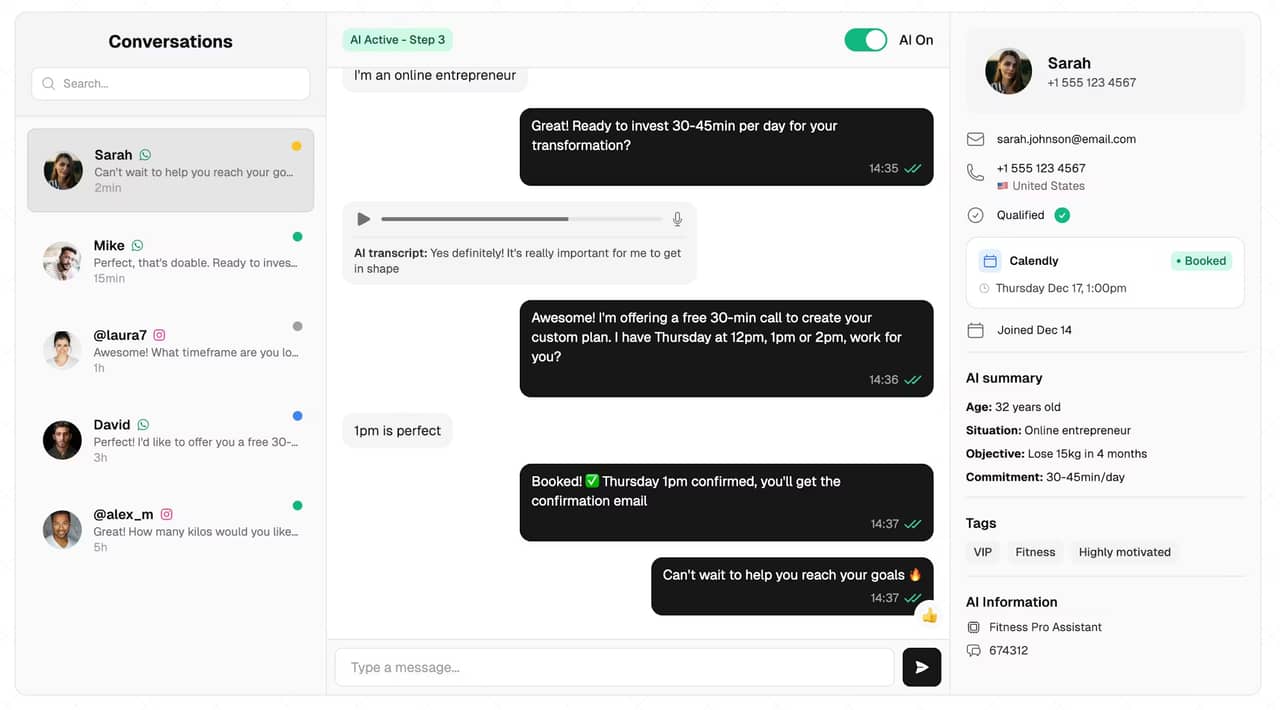
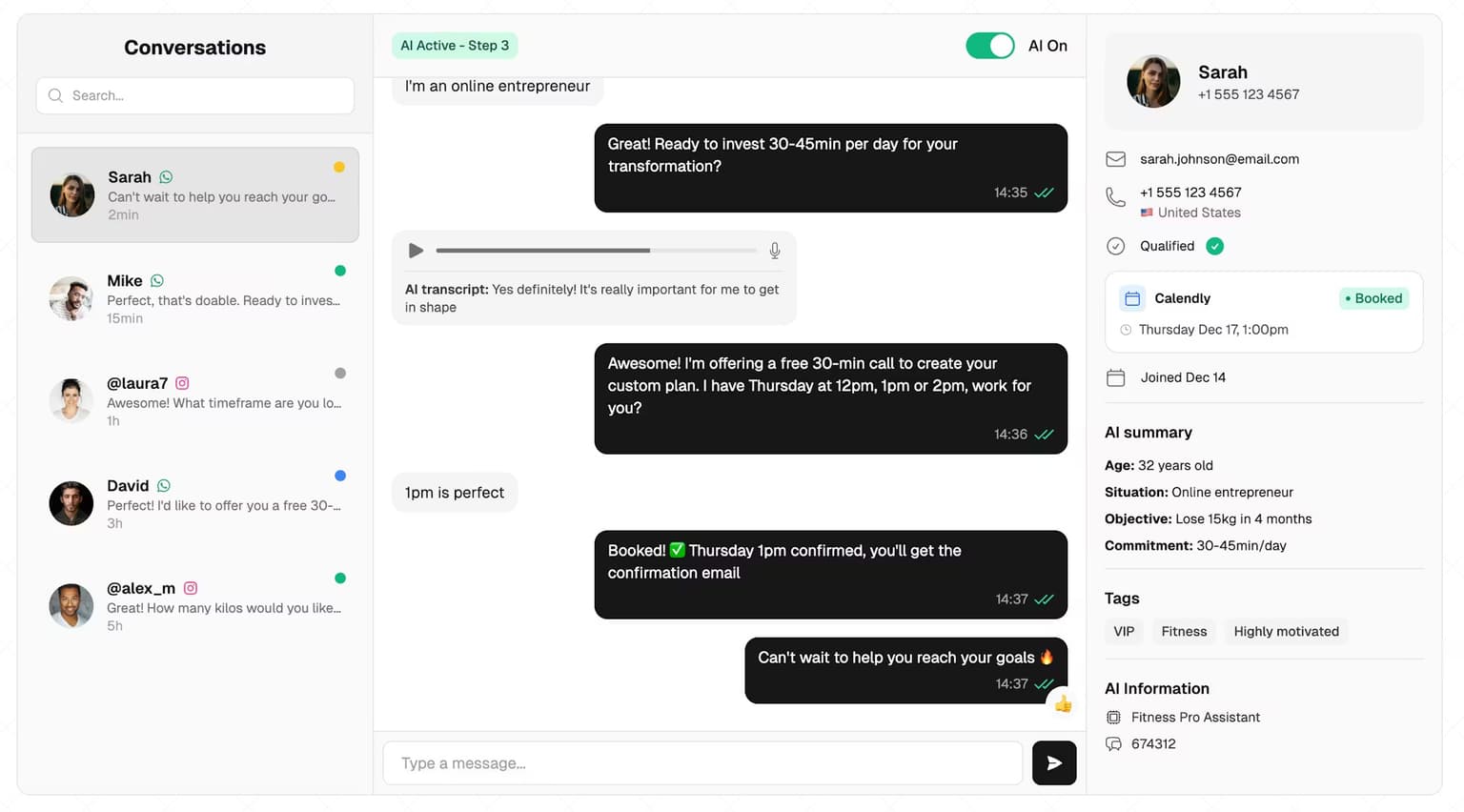
This is the job of an AI setter. SetSmart answers your Instagram, WhatsApp and Messenger DMs, asks your qualifying questions, and books the call inside the conversation by checking real availability. It connects natively to both tools in this article:
- With Calendly, the connection needs a paid Calendly plan (Standard or higher), because it relies on Calendly webhooks to track bookings. Once connected, the AI books directly, and SetSmart can send a WhatsApp template when a lead books, cancels or is marked as a no-show.
- With Cal.com, you connect in one click or paste an API key, and the connection does not ask for a paid Cal.com plan. Team event types, such as a round robin between your closers, currently need the API key method.
The close still happens on the call, with you or your closer. SetSmart's job stops at a qualified lead on your calendar. The discovery call playbook covers what to do once that lead shows up, and our guide to CRMs for coaches covers where to track the leads that do not book yet. SetSmart starts with a free 7-day trial, then $97/month with 1,000 messages included on the Pro plan.
Which should you choose?
Direct answer: pick by stage and by team size, not by brand.
Pick Cal.com if:
- you are a solo coach and want several event types, payments and unlimited calendars without paying anything;
- you are building a team of closers and want round robin and routing forms at the lowest price per seat;
- you want workflows with SMS, WhatsApp and webhook steps, and you are fine paying for messaging credits.
Pick Calendly if:
- most of your clients are in the US or Canada and you want text reminders included in a simple paid plan;
- you want the booking page your leads already know, with the largest library of integrations and help content;
- you plan to sell prepaid session packages or send invoices from your scheduling tool.
Either works if you sell a high-ticket program on a sales call and your leads come from DMs: the calendar is the last step, and the conversation before it decides how full it gets.
How to switch from Calendly to Cal.com
Direct answer: Cal.com's free plan includes a one-click import of your Calendly event types, so a switch takes an afternoon, not a week.
- Create your Cal.com account and connect the same calendars you use in Calendly, so existing bookings block your availability.
- Use the Calendly import to bring over your event types, then check durations, buffers and questions one by one.
- Recreate your reminders as workflows and decide whether you need SMS credits.
- Update every place your old link lives: your Instagram bio, link-in-bio page, DM templates, saved replies, emails and any automation that sends the link.
- Keep your Calendly account for a few weeks so bookings already made on it still happen, then downgrade.
Cal.com's switch page also offers to credit 100% of your current Calendly contract towards your first year; you claim it through Cal.com's sales team, and the page does not list plan conditions, so ask before you count on it.
FAQ
Is Cal.com better than Calendly?
For a solo coach on a budget, yes: Cal.com's free plan includes unlimited event types, calendars and payments, where Calendly's stops at one event type. For a coach who wants text reminders included and the most familiar booking page, Calendly Standard is the better paid plan. For teams, Cal.com Teams costs $4 less per seat per month than Calendly Teams on yearly billing.
Is Cal.com really free?
Yes, for one user. Cal.com's free plan has no usage limits on bookings and includes unlimited links, calendars and Stripe or PayPal payments. What you pay for on the free plan are SMS and WhatsApp messages, which use credits you buy, since free users get no included credits.
Is Cal the same as Calendly?
No. Cal.com is a separate company, Cal.com, Inc., that launched as an alternative to Calendly under the name Calendso. The two products do the same job, a booking link that checks your calendar, but they have different plans, prices and features, and Cal.com offers a one-click import for Calendly users who want to switch.
Is Cal.com safe to use?
Cal.com, Inc. is certified under the EU-U.S. Data Privacy Framework and lists SOC 2, HIPAA and ISO 27001 compliance on its Organizations plan. Like Calendly, it stores data in the United States unless you are on Organizations or above and hosted on Cal.eu. Note that since April 2026 Cal.com is closed source; the open-source fork, Cal.diy, is a separate self-hosted project.
Does Cal.com connect to Google Calendar?
Yes. Cal.com connects Google Calendar, Outlook and other calendars, and the free plan allows unlimited calendar connections, so it checks every calendar for conflicts before a lead books. Calendly also connects Google Calendar, but its free plan allows one calendar connection and Standard allows six.
Which is cheaper for a coach with closers?
Cal.com. Three people on Cal.com Teams cost $36 a month billed yearly, against $48 on Calendly Teams. Both plans include round robin and routing forms. Calendly keeps an edge on included text reminders for North American numbers, so compare your SMS volume before you decide.
Ready to automate your DMs?
Start your free 7-day trial and let AI handle your lead qualification 24/7.
Try SetSmart free